It started as a simple timer to track how much time I spend studying.
But as usual, I kept adding things.
First, I wanted to organize my study time by topic. Then I added progress tracking, statistics, and a few more features. Eventually, it turned into a small study tracker and course planner.
Features
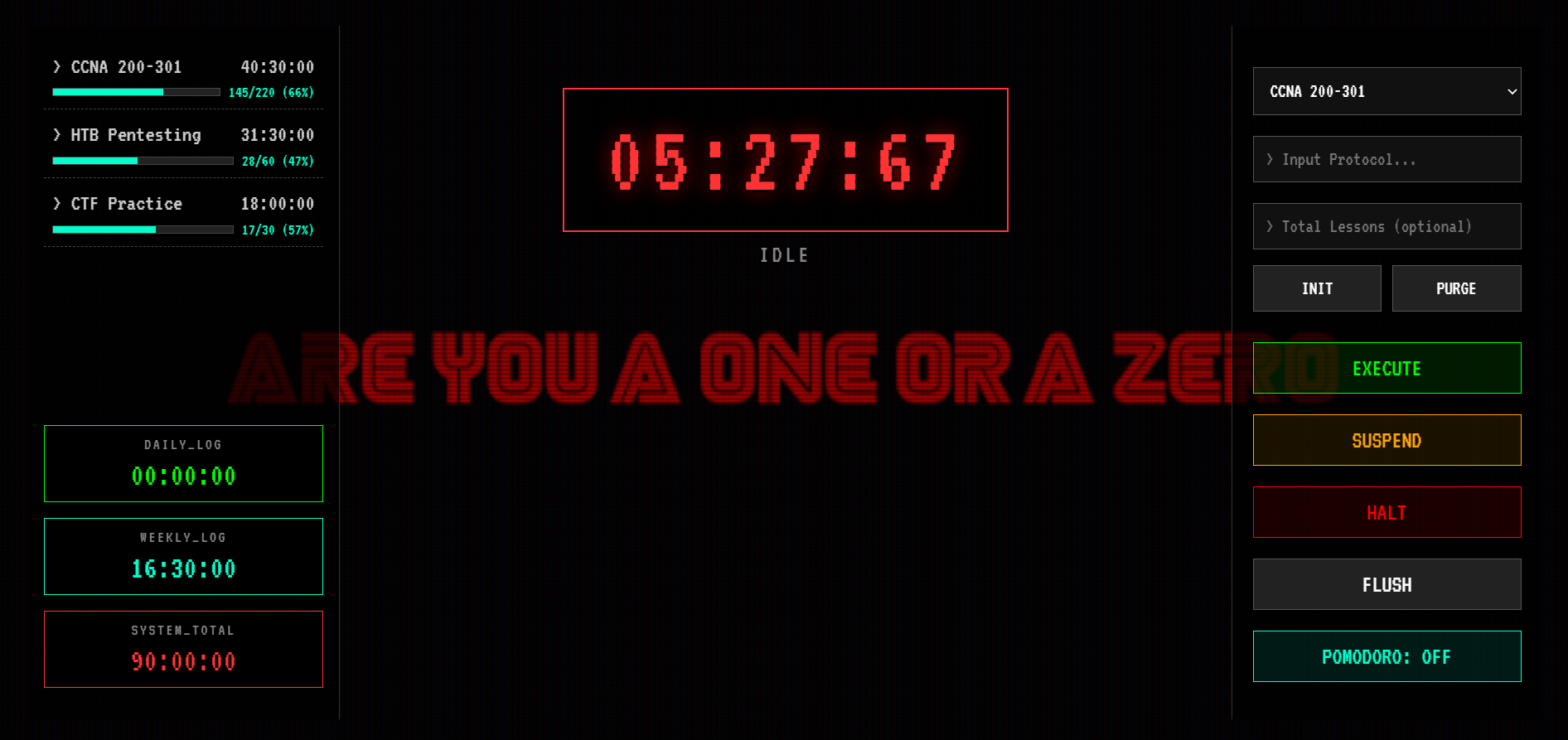
- Study Timer: Start, pause, and save study sessions under different topics.
- Topic Progress: Set lesson goals and track completed lessons.
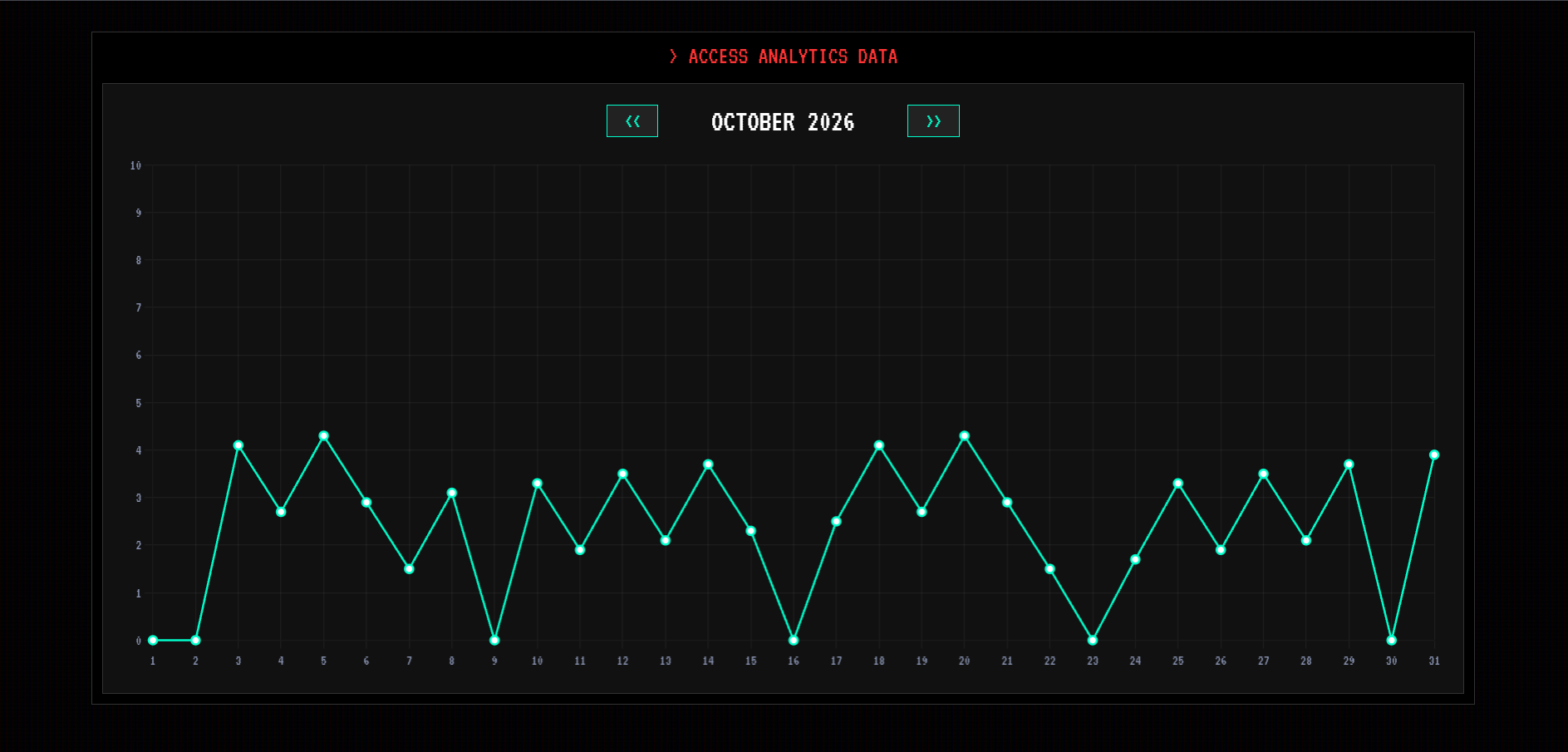
- Study Analytics: View daily, weekly, and total study time, along with a monthly chart.
- Pomodoro Reminders: Get a reminder every 50 minutes.
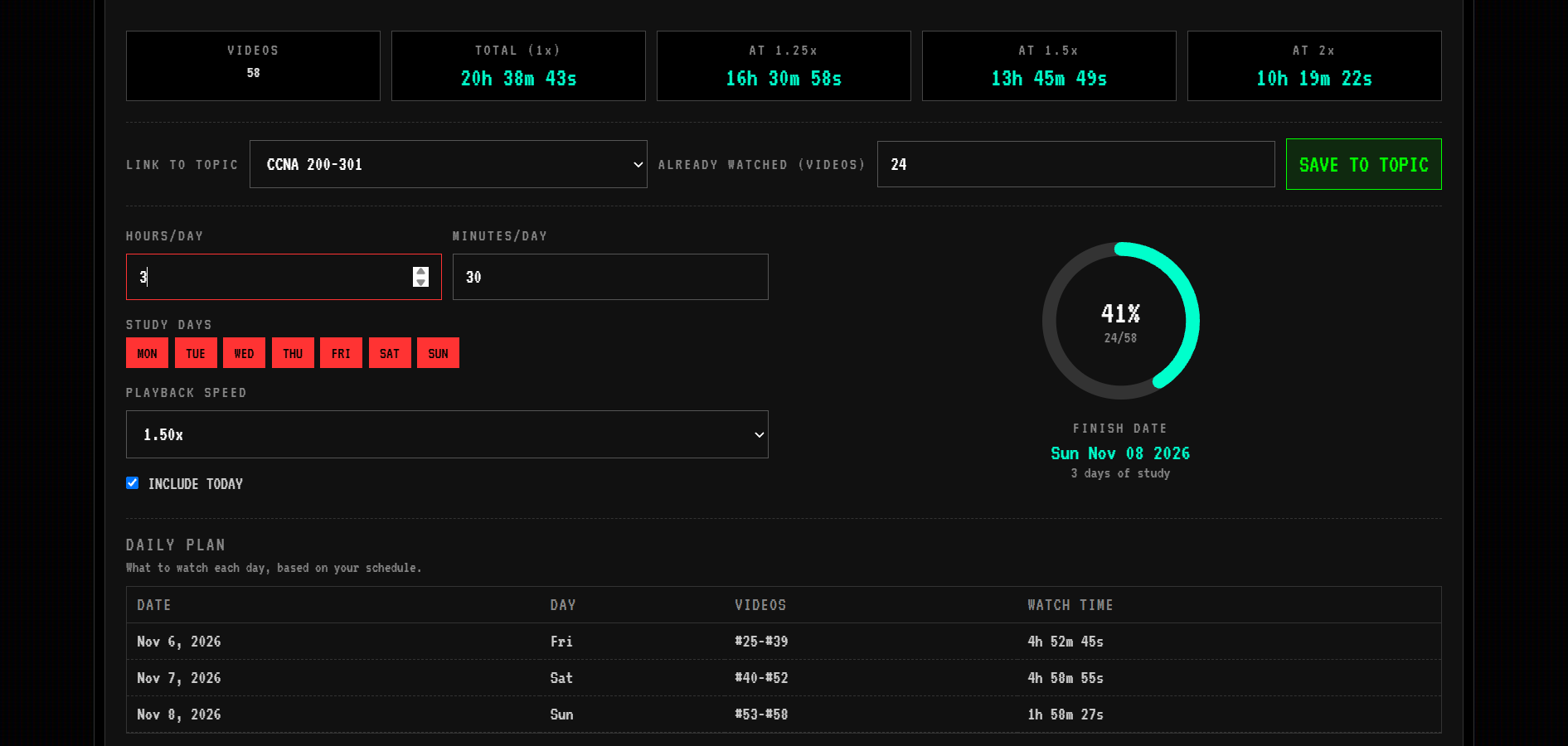
- YouTube Playlist Analyzer: Calculate a playlist’s total duration, compare playback speeds, and generate a study schedule.
Focus Dashboard
Study Analytics
YouTube Playlist Analyzer
How It Works
The project is built with HTML, CSS, and JavaScript.
It uses Chart.js for study statistics and the YouTube Data API v3 for playlist analysis.
Study data is stored locally in the browser using localStorage, so there’s no account or database required. The YouTube analyzer requires the user to provide their own API key.
Development
I built this project with AI assistance, starting with the basic timer and gradually adding features as I thought of new things I wanted.
It’s one of those projects that started with a small idea and ended up becoming something I actually wanted to use.